
How to Setup Orbit Player, Max Player & IPTV Smarters on Smart TV | ArkadasTV Guide

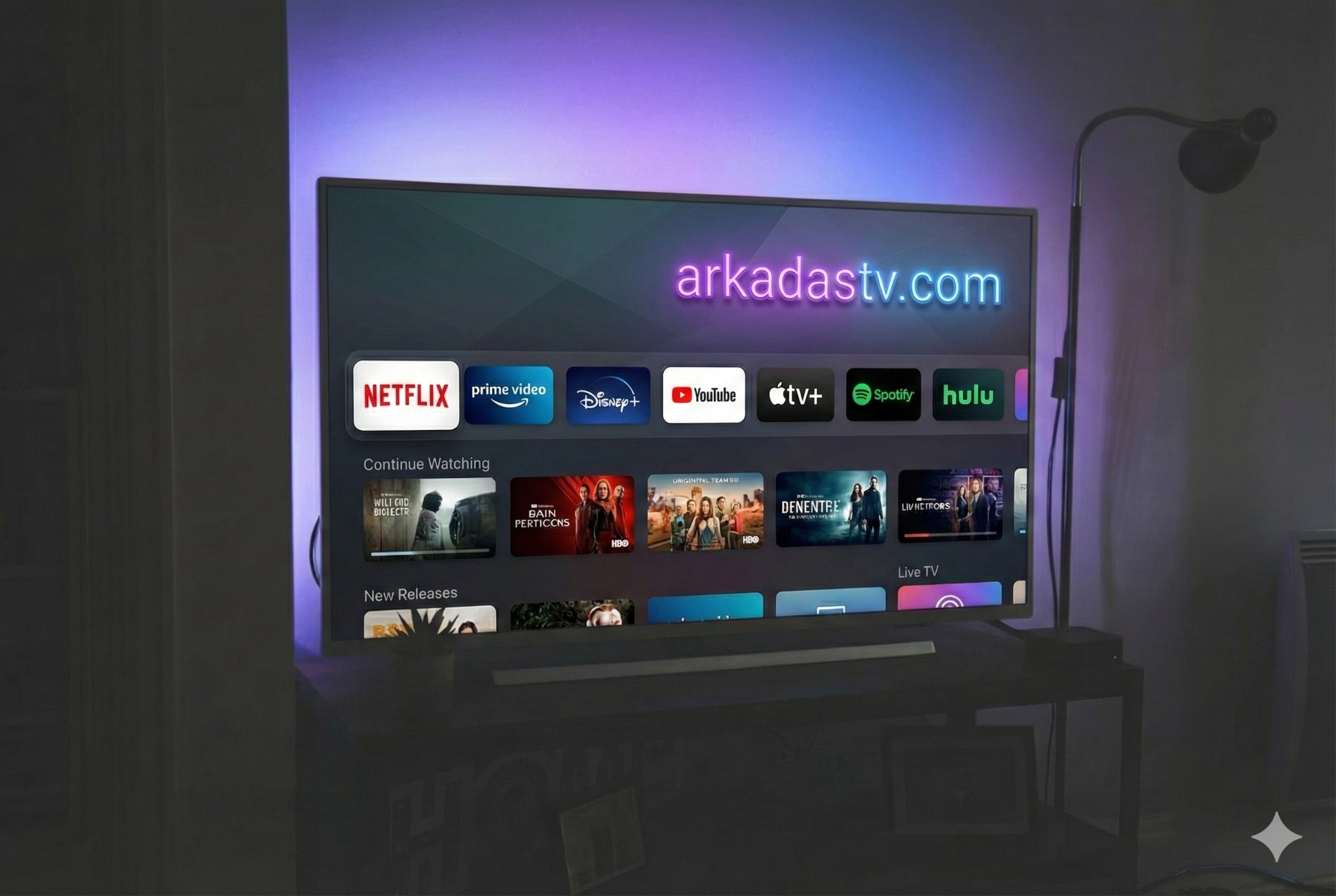
The Ultimate Guide: Setup Orbit, Max Player & IPTV Smarters on Smart TV
🚀 Get Your Free Trial Now!
Contact us on WhatsApp to test our premium servers.
👉 START TRIAL VIA WHATSAPP1. How to Install IPTV Smarters Pro
Follow these steps to log in:
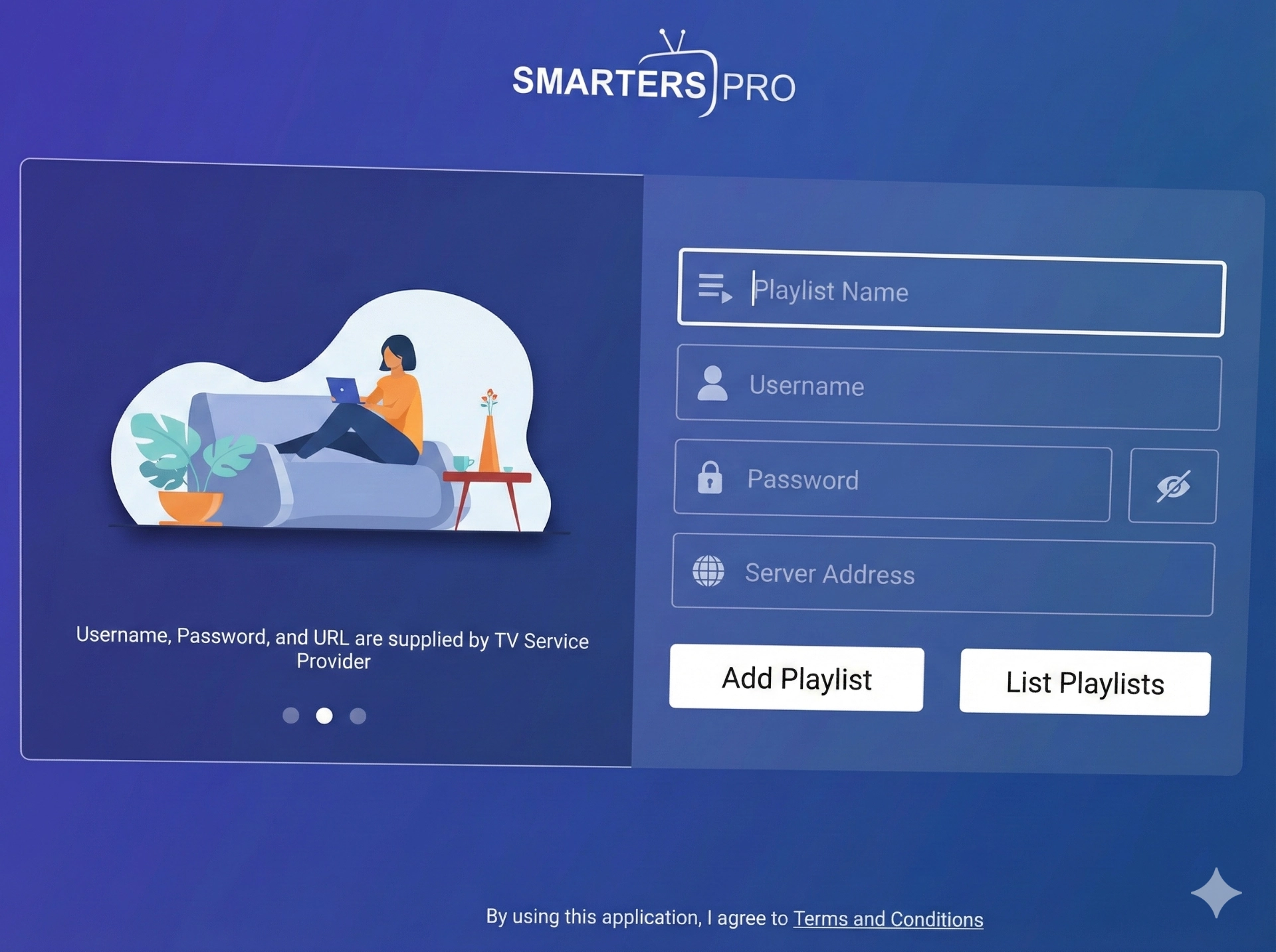
- Install "IPTV Smarters Pro" from your TV Store.
- Select "Log in with Xtream Codes API".
- Enter the details below (Request Username/Password via WhatsApp):
- Any Name: ArkadasTV
- Username: (Contact Us)
- Password: (Contact Us)
- URL:
https://arkadastv.com:8080
- Click Add User.
2. How to Setup Orbit Player
Orbit Player is fast and simple. Send us your Device ID to activate.
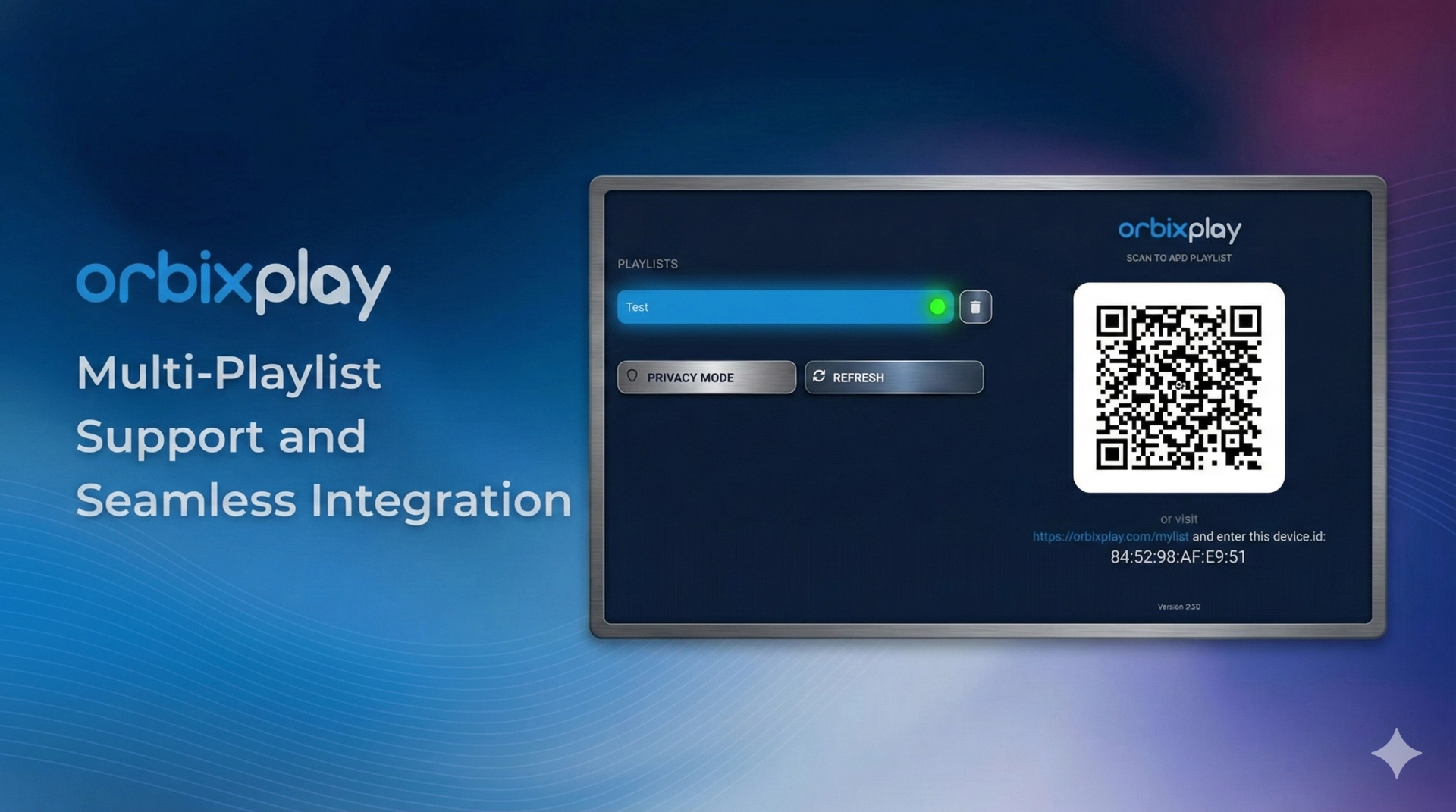
- Open Orbit Player.
- You will see a Device ID and Key on the screen.
- Take a photo and send it to us on WhatsApp.
- We will activate it remotely. Then just refresh the app!
3. How to Setup Max Player
Max Player also requires manual activation via MAC Address or ID.
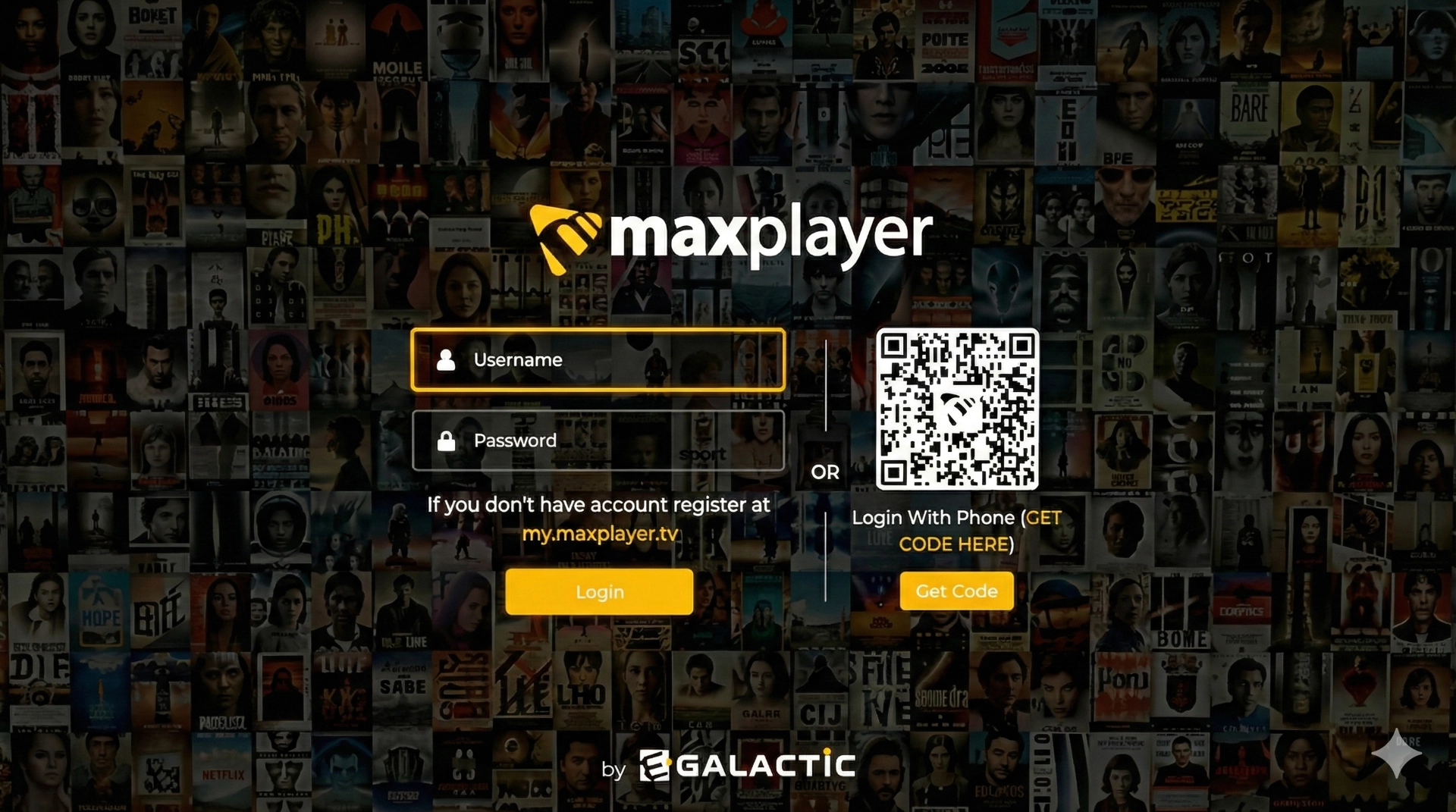
- Open Max Player on your TV.
- Take a clear photo of the screen (showing the MAC Address/ID).
- Send the photo to our WhatsApp Support Line.
- We will upload your playlist instantly.