
Come configurare Orbit Player, Max Player e IPTV Smarters su Smart TV | Guida TV Arkadas

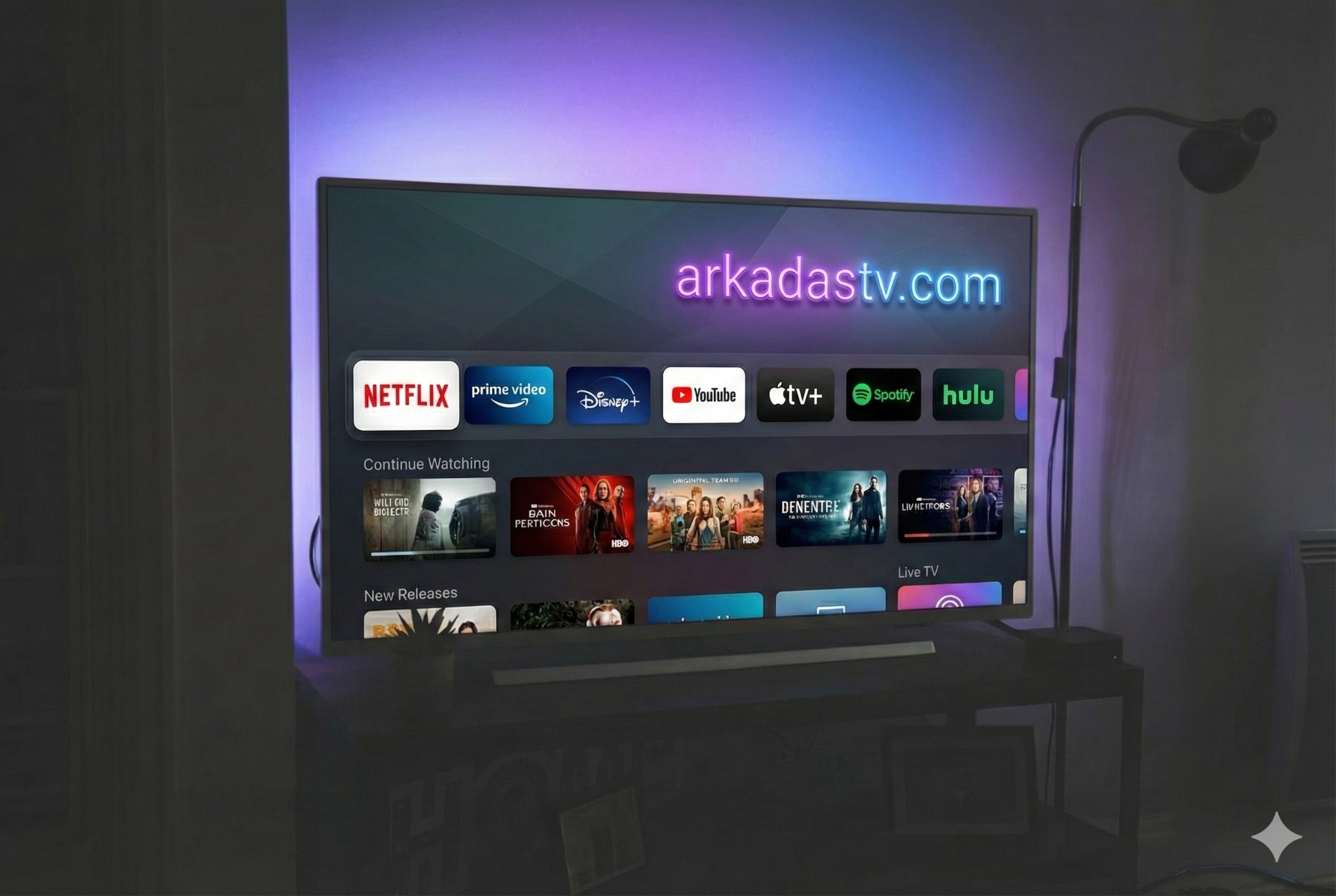
La Guida Definitiva: Configurazione di Orbit, Max Player & IPTV Smarters su Smart TV
🚀 Ottieni Subito la Tua Prova Gratuita!
Contattaci su WhatsApp per testare i nostri server premium.
👉 AVVIA PROVA VIA WHATSAPP1. Come Installare IPTV Smarters Pro
Segui questi passaggi per accedere:
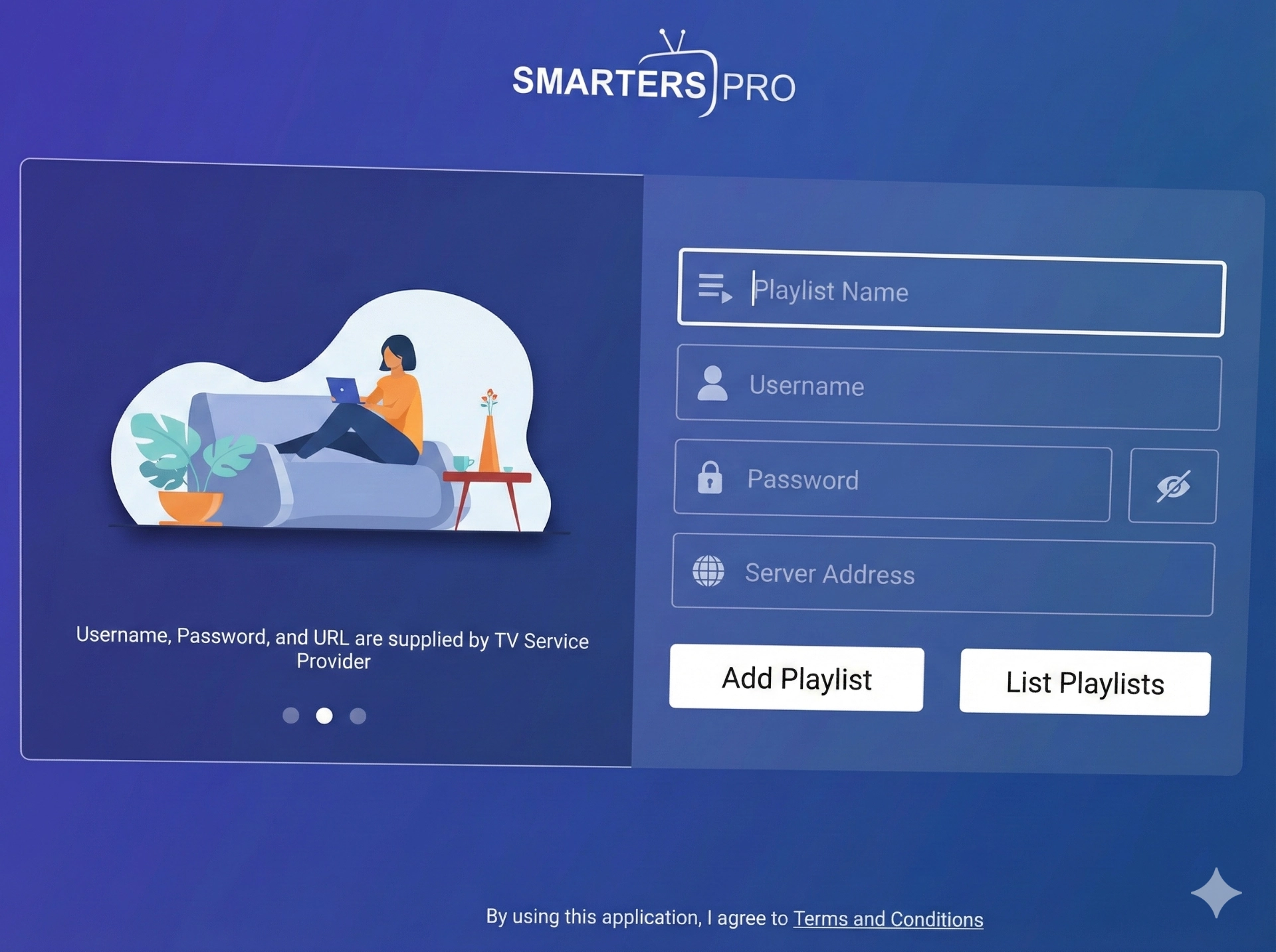
- Installa "IPTV Smarters Pro" dallo store della tua TV (Samsung/LG).
- Seleziona l'opzione "Log in with Xtream Codes API".
- Inserisci i dettagli qui sotto (Richiedi Nome Utente/Password via WhatsApp):
- Any Name (Nome): ArkadasTV
- Username: (Contattaci)
- Password: (Contattaci)
- URL:
https://arkadastv.com:8080
- Clicca su Add User (Aggiungi Utente).
2. Come Configurare Orbit Player
Orbit Player è veloce e semplice. Inviaci il tuo Device ID per l'attivazione.
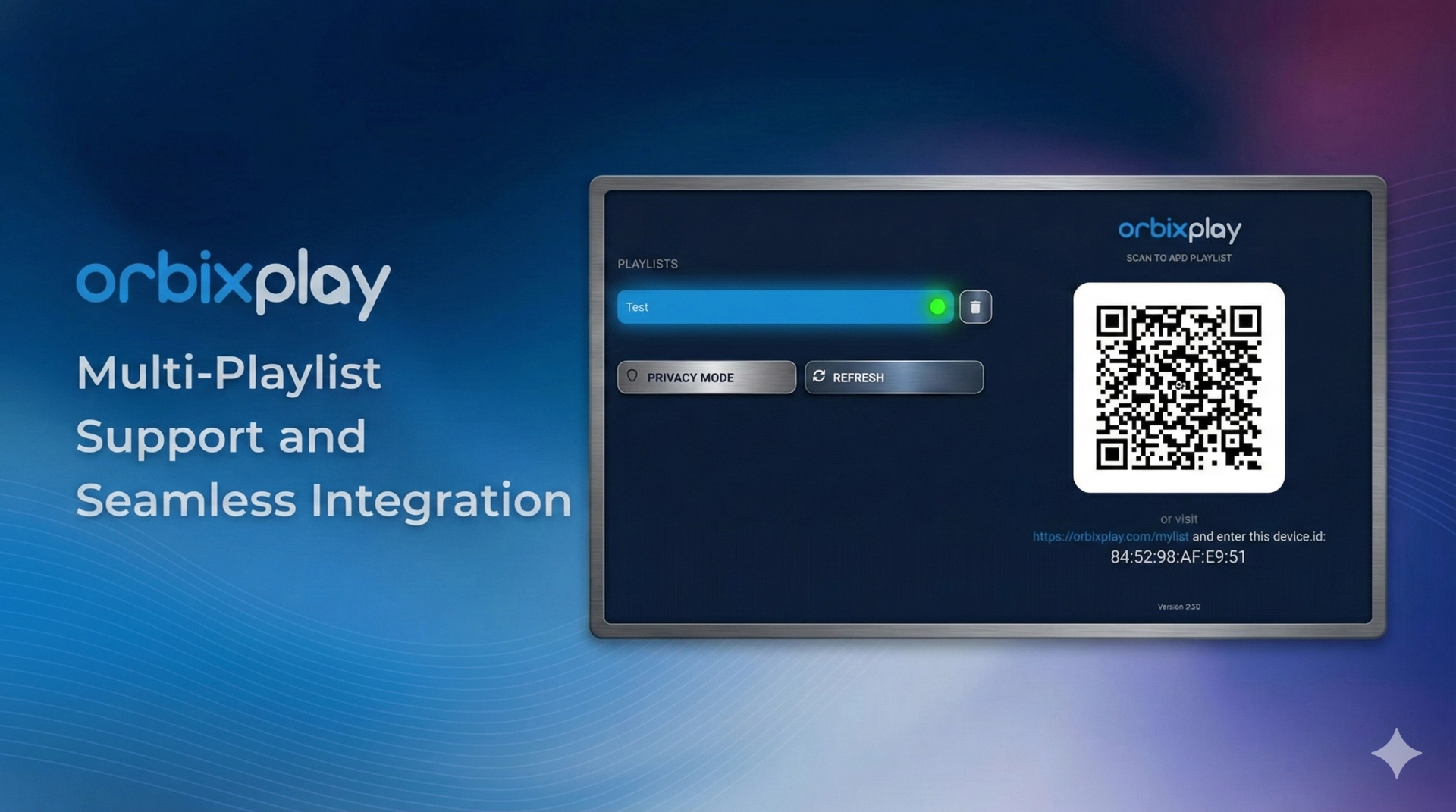
- Apri Orbit Player.
- Vedrai un Device ID e una Key sullo schermo.
- Scatta una foto e inviacela su WhatsApp.
- Lo attiveremo noi da remoto. Poi basta aggiornare l'app!
3. Come Configurare Max Player
Anche Max Player richiede l'attivazione manuale tramite indirizzo MAC o ID.
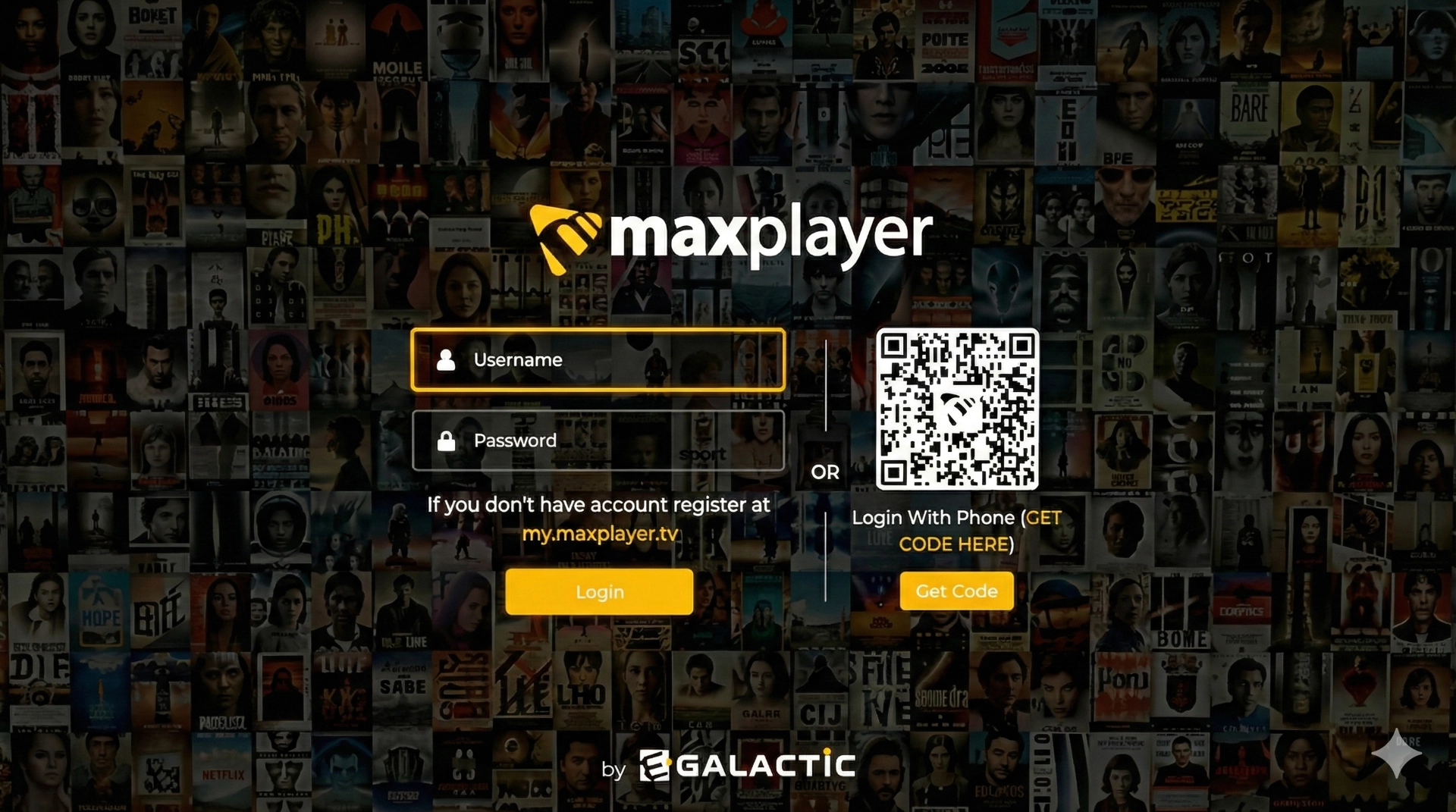
- Apri Max Player sulla tua TV.
- Scatta una foto chiara dello schermo (che mostri l'indirizzo MAC/ID).
- Invia la foto al nostro Supporto WhatsApp.
- Caricheremo la tua playlist istantaneamente.